1 of 4
Input
Start with what you already have.
A product photo, a customer message, a booking request, a rough idea. Nothing needs to be perfect before it goes in.
Showing Input

Free AI guides, workflows you can click through, and done-for-you builds for creators, sellers and small businesses.
Workflows that connect the tools you already use
Start free with a guide. Move to a workflow when you are ready. Hand it to us when your time is worth more than the build.
Learn
Step-by-step guides for product photos, printable art, cover art, ads and video, each with prompts you can copy and a checklist to review your result.
Browse guidesAutomate
Real workflows you can click through node by node: Instagram comments to DMs, bookings, lead scoring, follow-ups and delivery.
Explore workflowsBuild
Websites, Telegram Mini Apps, automations and AI creative production, scoped in writing and built in accounts you own.
See services1 of 4
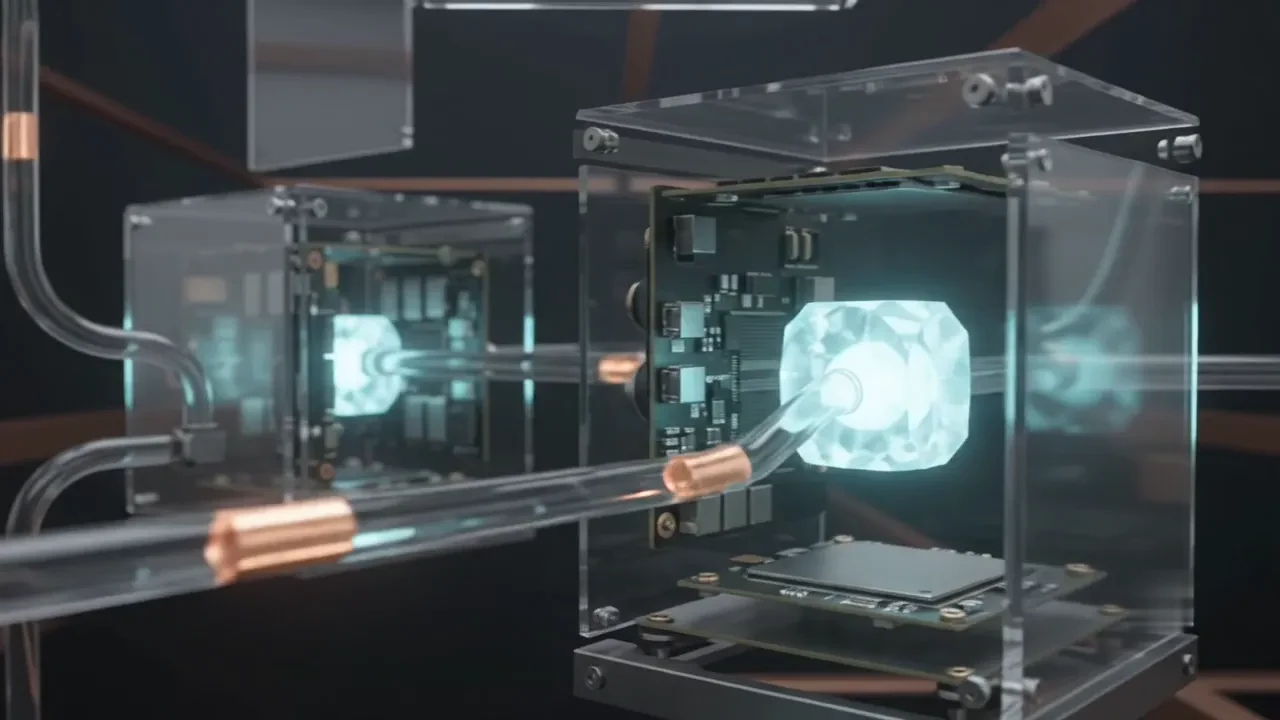
Input
A product photo, a customer message, a booking request, a rough idea. Nothing needs to be perfect before it goes in.
Showing Input
2 of 4
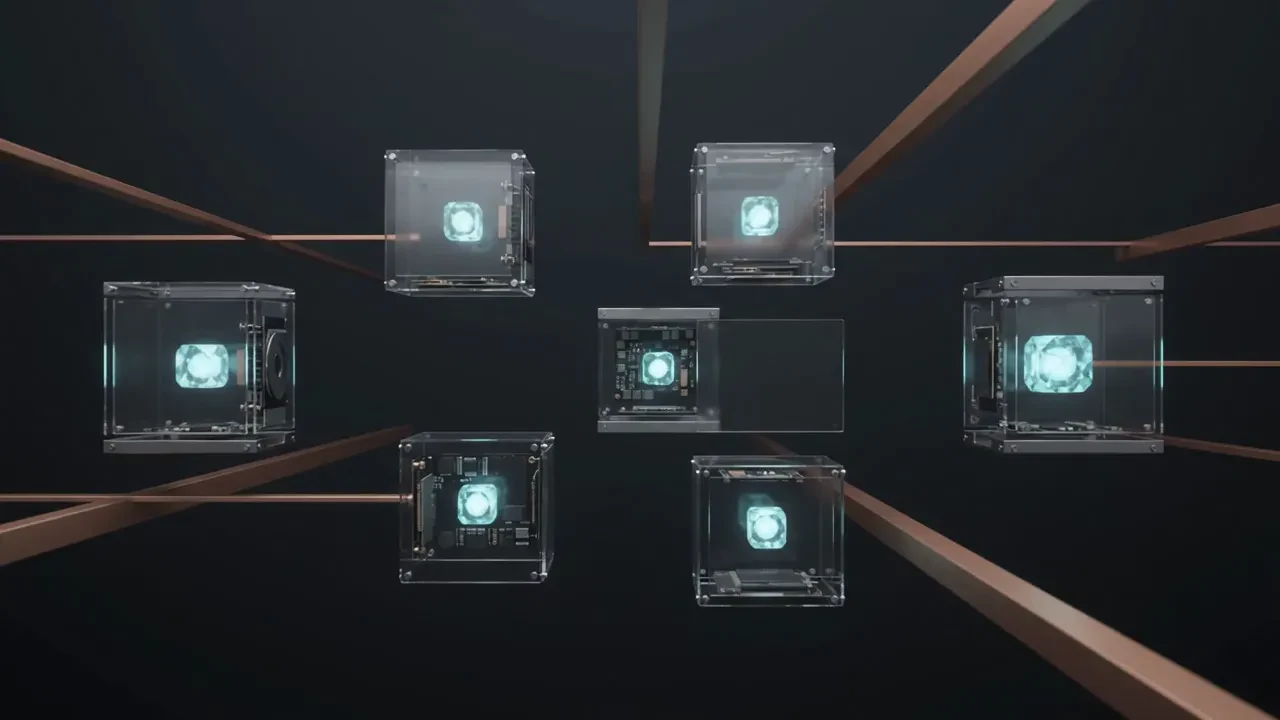
Intelligence
Models classify, extract and summarise. You write the rules; the model handles the reading. Nothing is decided without a rule you can see.
3 of 4
Transformation
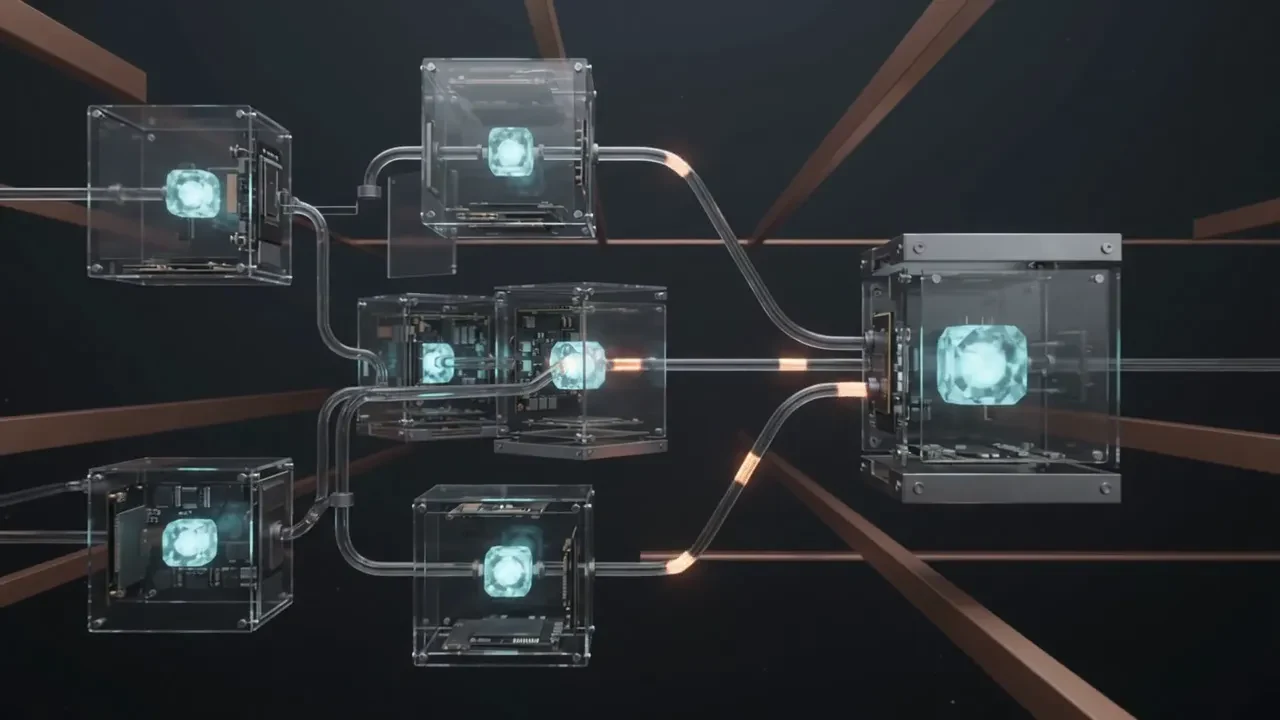
Prompts, scenarios and automations move the material between tools, retouch it and prepare it. A person reviews the steps that matter.
4 of 4
Output
A finished image, a confirmed booking, a drafted reply, a tidy record. The result lands where you already work.
AI guides
Practical, step-by-step guides with copy-ready prompts, honest checklists and the tools worth using for each job.
 PlainStaged
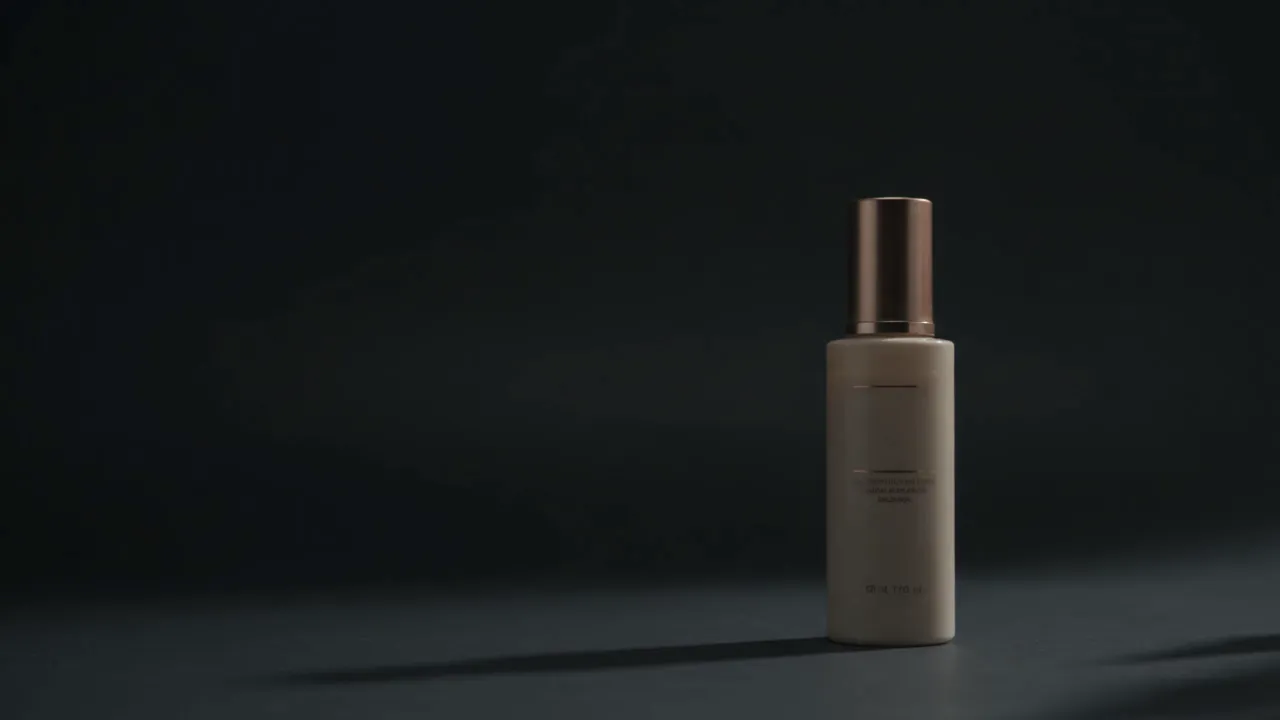
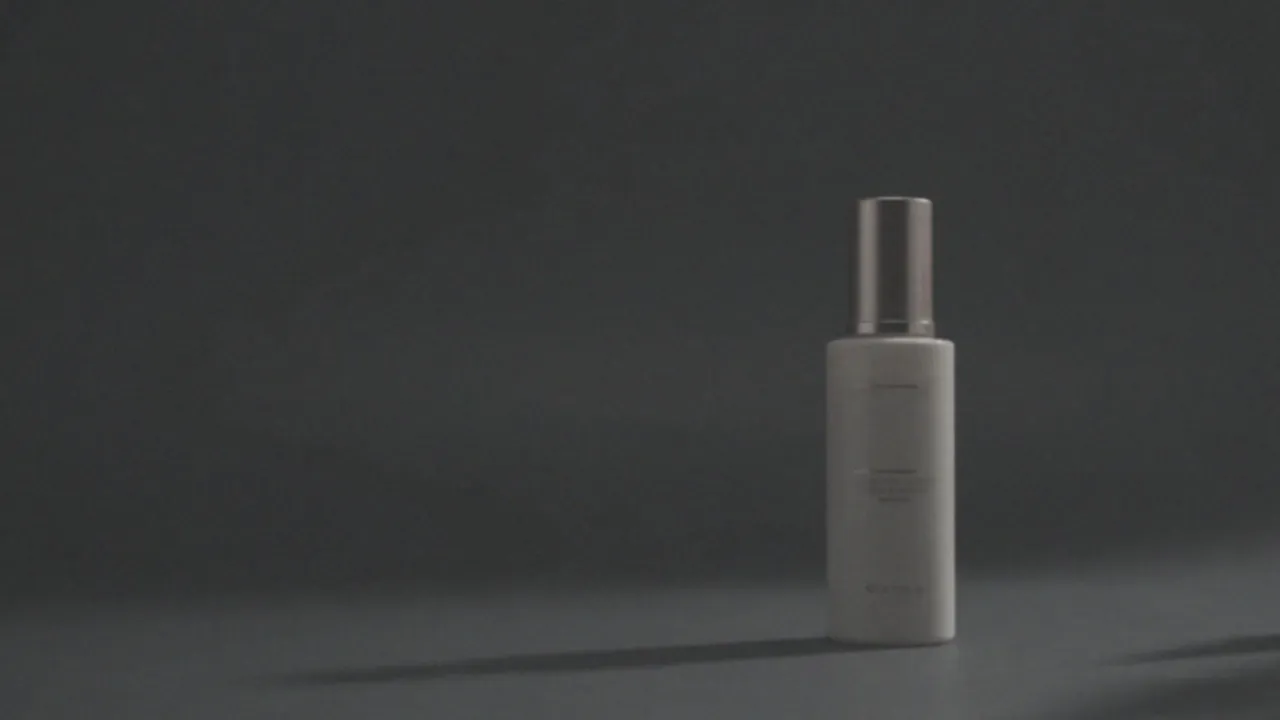
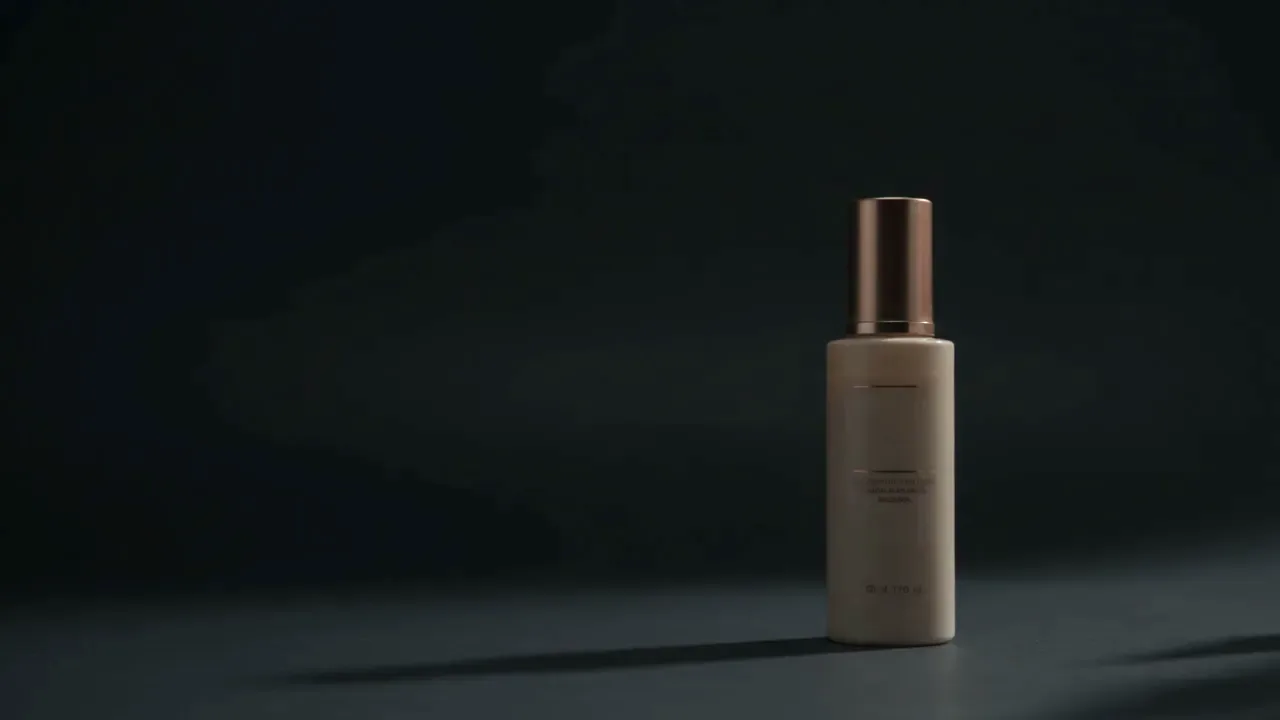
DemonstrationOne bottle, two lighting treatments of the same frame. Drag the divider or use the arrow keys. Real client pairs replace this once approved.
Generate the scene, then place your real photo into it so labels and shapes never drift.
Each guide ends with a checklist to compare the result against the real thing before you publish.
Sizes, ratios and formats are stated up front, with a reminder to check the current rules.
Product photos · Beginner · 30 min
Keep one compliant main image and use AI only for the lifestyle and secondary images, with the real product composited in.

Digital products · Beginner · 40 min
Plan a small collection, generate original artwork, set up the right pixel sizes and prepare files customers can print.

Music · Beginner · 30 min
Develop a visual direction, generate square variations, set the type yourself and test legibility at the sizes listeners actually see.
Automations
Pick a workflow, then select each step to see what happens, what to set up and what usually goes wrong. A person stays in charge at every point that matters.
A follower comments a keyword on a post; they receive a direct message with your price list or booking link.
Step 1 of 4 · Trigger
A follower comments your chosen keyword (for example “PRICE”) on a post or reel.
What you set up
Pick one short keyword and put it in the post caption: “Comment PRICE and we’ll send details.”
Watch for
Comments with typos or emoji do not match unless you allow variations.
Done for you
Optional implementation for anything in the guides and workflows. You own the accounts and the result.
Fast, designed sites that explain what you do and make it easy to get in touch.
Catalogues, ordering and customer service inside the app your customers already use.
Connect the tools you already use so repetitive steps run themselves, with a person still in charge.
Product visuals, short videos and brand imagery made with AI and checked by a person.

Start with a free guide, follow a workflow yourself, or tell us what you want built and we will reply with a scoped plan.